
Golf Club Fitting
September 29, 2026
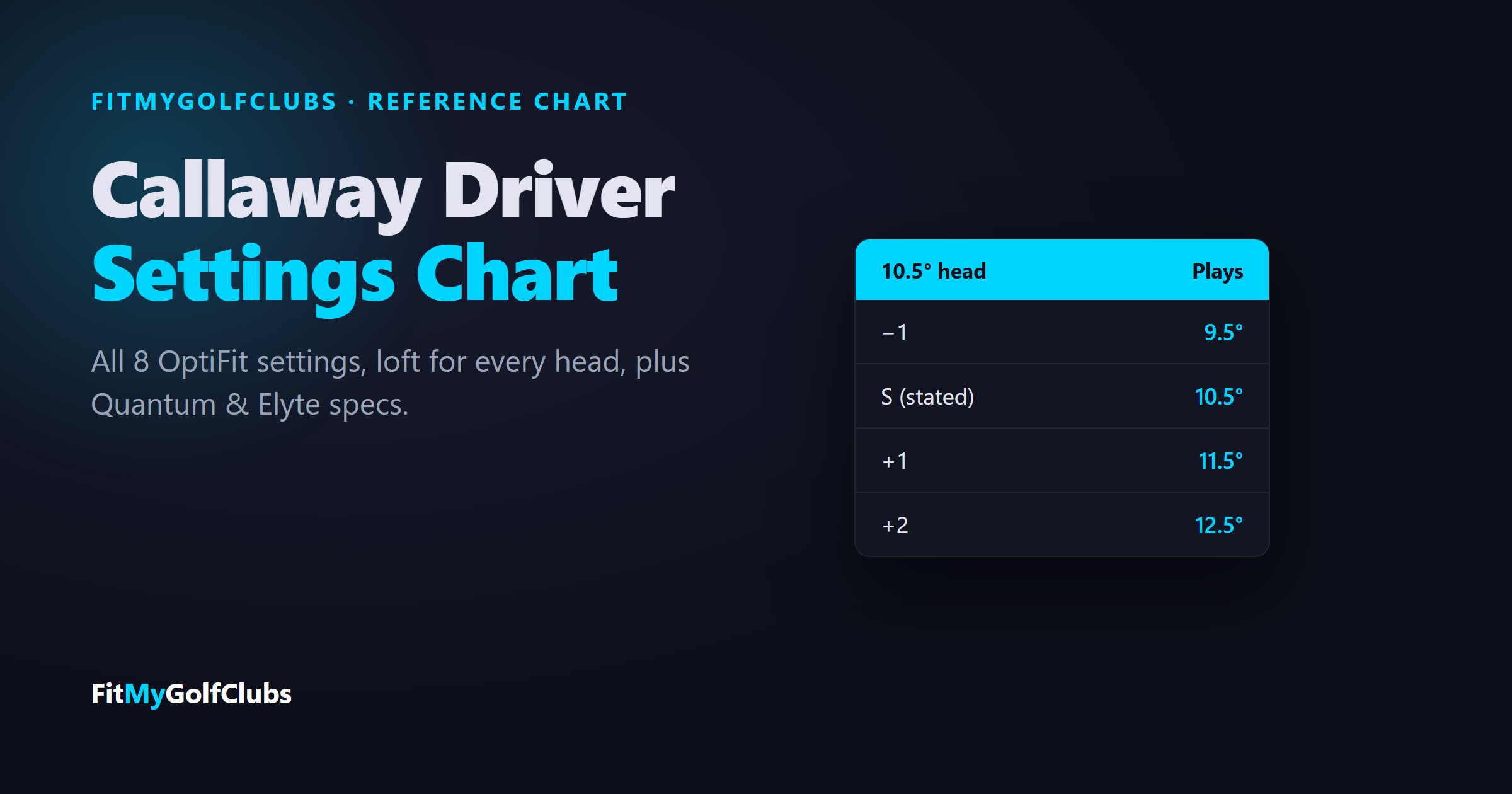
The quick answer: Callaway drivers use the OptiFit hosel: an upper cog sets loft (−1, S, +1 or +2 degrees from the loft stamped on the head) and a lower cog sets lie (N for neutral or D for draw), for 8 combinations. S/N is standard. A 10.5° head plays anywhere from 9.5° to 12.5°. For a slice, use D; for more height, go to +1 or +2. The Quantum Mini is the exception: it uses OptiFit 4, with 7 settings. Charts for every current Quantum and Elyte driver are below.
Callaway Driver Settings Chart (OptiFit)
This is Callaway's OptiFit system: "The hosel consists of two cogs - an upper cog and a lower cog - that rotate independently to provide a total of 8 possible loft and lie combinations." The loft cog is marked −1, S, +1 and +2, where S is the stated loft stamped on the clubhead. The lie cog is marked N and D. In Callaway's words, the draw setting "allows you to minimize slicing or enhance a draw," while neutral "allows you to work the ball in both directions."
Callaway doesn't publish how many degrees the D setting changes the lie; it describes D only by its effect.
Callaway Driver Loft Settings, Every Head
What each loft setting gives you on every loft Callaway sells in its current OptiFit drivers:
⛳ Is your driver loft right to begin with?
OptiFit fine-tunes a fitting, it doesn't replace one. Our free bag grade checks the loft gaps from your driver all the way down your set, and our Shaft Flex Calculator matches your shaft to your speed. Grade my bag free →
Which Callaway Setting Should You Use?
- You slice: set the lie cog to D. That's exactly what Callaway built it for.
- You want to shape it both ways: leave the lie cog on N.
- You launch it too low: set the loft cog to +1 or +2.
- You launch it too high or spin it too much: set the loft cog to −1.
On the Quantum Max, Elyte and some other heads, the movable sole weight changes shot shape too (see the table below), so you can combine a hosel setting with a weight setting.
How to Change Your Callaway Hosel Setting
- Insert the OptiFit wrench into the hosel screw and turn it counterclockwise until the hosel is loose.
- Rotate the cogs to the settings you want.
- Tighten clockwise until you feel and hear the wrench click. If the screw feels like it's binding, stop and realign the parts.
Current Callaway Driver Specs
Callaway builds its drivers at two standard lies: 6 of the current models are 57° (Quantum Max, Quantum Triple Diamond, Quantum Triple Diamond Max, Quantum Mini, Elyte, Elyte Triple Diamond) and 4 are 59° (Quantum Max D, Quantum Max Fast, Elyte X, Elyte Max Fast). The hosel settings, including D, work on top of either.
Quantum Mini: The OptiFit 4 Hosel
The Quantum Mini (11.5° and 13.5°) uses OptiFit 4, the hosel Callaway also uses on its hybrids. Each cog has three settings (+, − and blank), giving 7 combinations:
- “+” will weaken loft OR increase lie angle.
- “-” will strengthen loft OR decrease lie angle.
- “+/-” results in no change to loft or lie
- Blank settings are considered neutral
- Align tick marks on hosel and shaft sleeve.
Callaway's chart labels these steps 1 and 2 without printing units, so we show them as Callaway does.
Frequently asked questions
What does S mean on a Callaway driver?
S is the stated loft: the loft stamped on the clubhead. It is the standard loft setting on the OptiFit hosel.
What does D mean on a Callaway driver?
D is the draw setting on the lie cog. Callaway says it "allows you to minimize slicing or enhance a draw." N is the neutral setting.
How do I add loft to a Callaway driver?
Turn the loft cog to +1 or +2, which adds 1 or 2 degrees to the stated loft. A 10.5° head becomes 11.5° or 12.5°.
How many settings does a Callaway driver have?
Eight on the OptiFit hosel: four loft settings (−1, S, +1, +2) times two lie settings (N and D). The Quantum Mini uses OptiFit 4, with seven.
What is the standard lie angle of a Callaway Quantum driver?
57° for the Quantum Max, Quantum Triple Diamond, Triple Diamond Max and Quantum Mini; 59° for the Quantum Max D and Max Fast.
What is the best Callaway driver setting for a slice?
The D (draw) setting on the lie cog. If you still slice, a draw-biased head such as the Quantum Max D, which has internal heel weighting, adds more help.
Sources: Callaway's OptiFit instructions, OptiFit 4 guide, and the spec tables on each current Quantum and Elyte driver page, checked September 29, 2026.
Related reading
- Golf Club Fitting Chart — Length and lie by height, flex by swing speed, and every chart we publish.
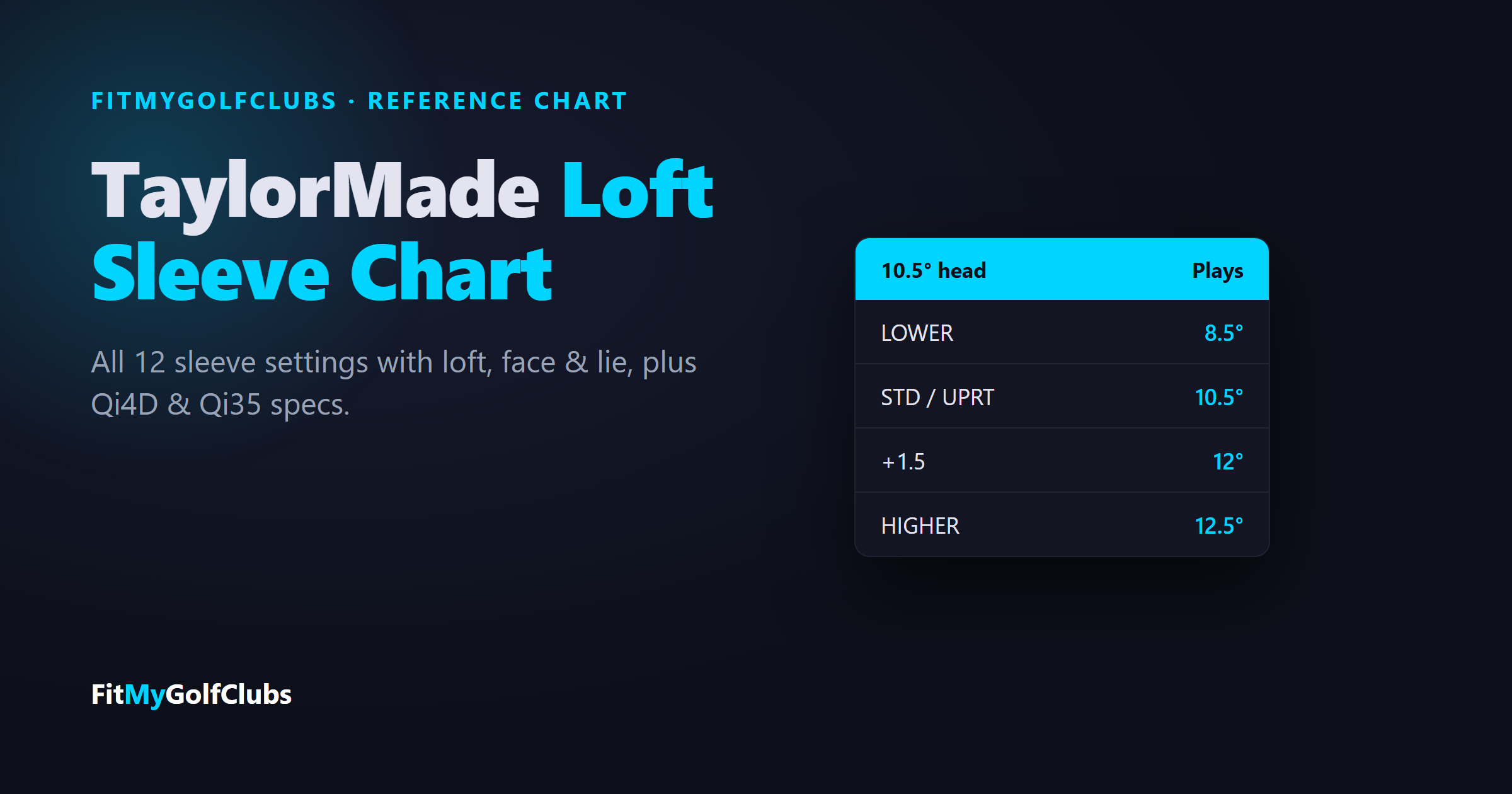
- TaylorMade Loft Sleeve Chart — All 12 sleeve settings with loft, face and lie, plus Qi4D and Qi35 specs.
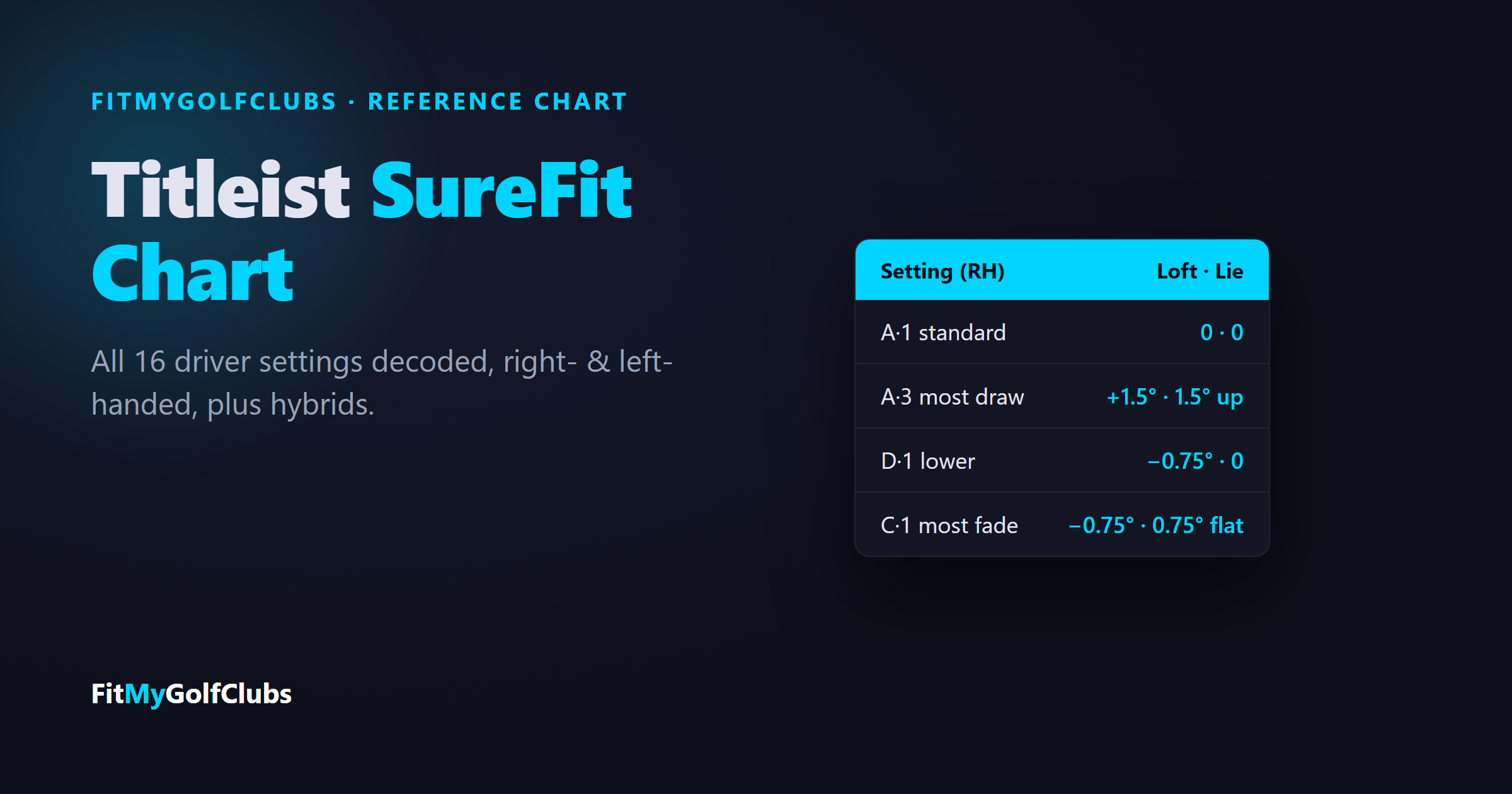
- Titleist SureFit Chart — All 16 Titleist driver settings decoded, right- and left-handed.
- PXG Hosel Settings Chart — All 8 PXG adapter settings, plus weights and specs.
- Why Do I Slice My Driver But Not My Irons? — The equipment causes behind a driver-only slice.
Related Articles
Golf Club Fitting
September 29, 2026
TaylorMade Loft Sleeve Chart: Every Driver Setting, Qi4D & Qi35
TaylorMade loft sleeve chart: all 12 driver settings (STD, HIGHER, LOWER, UPRT) with loft, face and lie, plus Qi4D and Qi35 specs.
Golf Club Fitting
September 29, 2026
Callaway Driver Settings Chart: OptiFit Hosel, Weights & Specs
Callaway driver settings chart: all 8 OptiFit settings (−1, S, +1, +2 with N or D), loft for every head, plus Quantum and Elyte specs.
Golf Club Fitting
September 29, 2026
Titleist SureFit Chart: Driver Settings for Every GTS & GT Club
Titleist SureFit chart: all 16 driver settings decoded (A1 is standard), right- and left-handed, plus hybrid settings, weights and GTS specs.


© 2026 FitMyGolfClubs. All rights reserved. | Patent Pending
Contact: sean@fitmygolfclubs.com