
Golf Club Fitting
September 29, 2026
The quick answer: PXG drivers, fairways, and hybrids use an adapter with eight settings. Standard "Dot" is the stock loft and the most upright lie, the Plus settings add loft (up to +1.5°), the Minus settings take it away (up to −1.5°), and every setting other than Dot also flattens the lie. The PXG (logo) setting keeps standard loft with the lie 3° flatter, the most fade-biased position. For a draw, PXG says to use Dot and move the heavy sole weight to the heel. The full chart and every current head's specs are below.
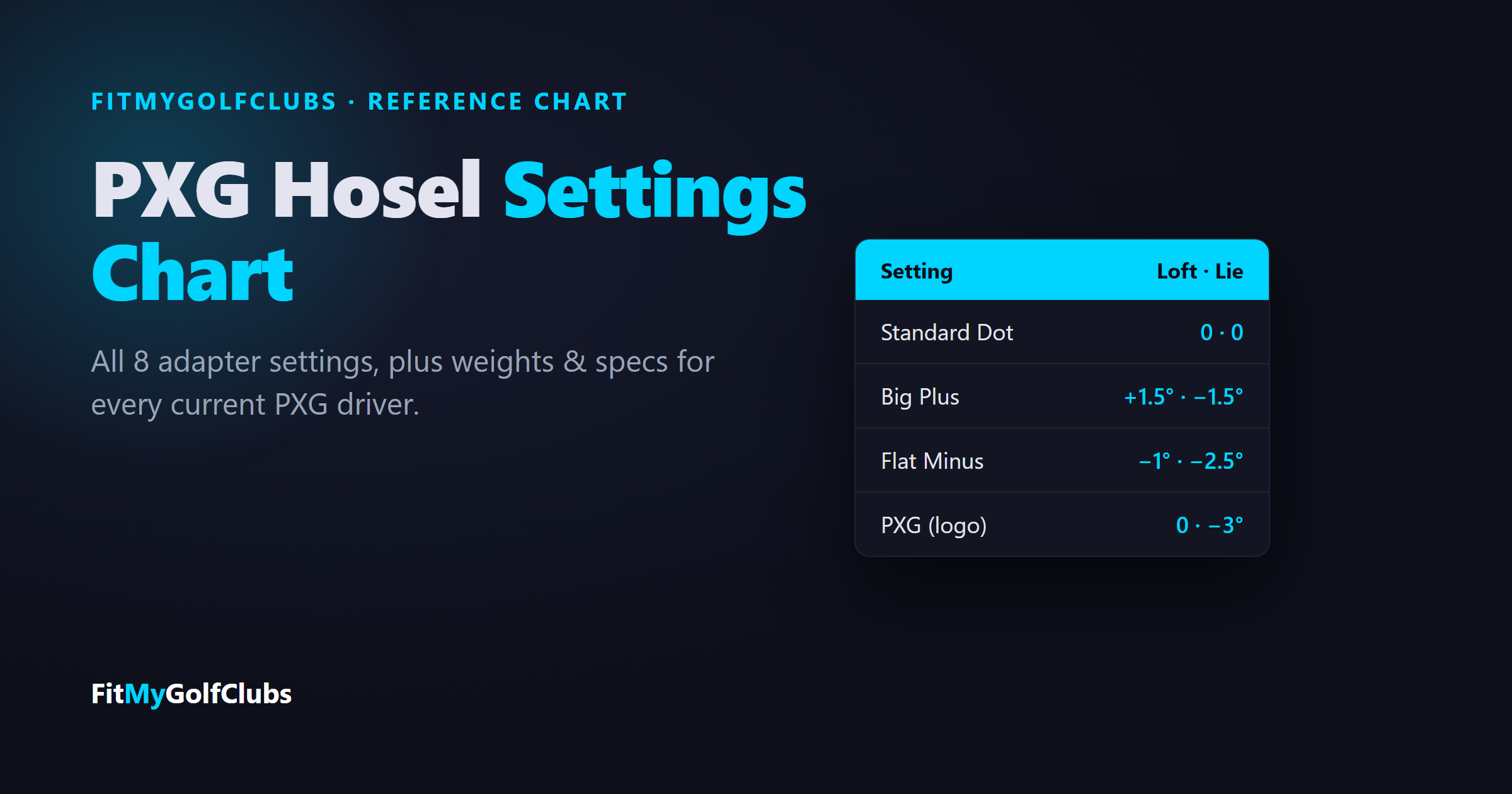
PXG Hosel Settings Chart
This is PXG's own adapter chart, from its hosel adjustment guide. The loft and lie changes are relative to the head's standard spec, so a 10.5° head in Big Plus plays about 12°, and a head with a 60° standard lie in the PXG setting plays about 57° lie.
Two things the chart makes clear. Loft and lie move together: no setting changes loft without flattening the lie as well. And the settings come in pairs: Small, Big, and Flat each have a Plus and a Minus that change the lie by the same amount.
Which Setting Should You Use?
- You fight a slice or want a draw: Standard "Dot", the most upright setting. PXG pairs it with the heavy weight in the heel for maximum draw bias.
- You hook it or want a fade: the PXG (logo) setting. In PXG's words, it's "the flattest position at -3 degrees – this will create a more fade bias driver."
- You launch it too low: Small Plus (+1°) or Big Plus (+1.5°).
- You launch it too high or spin it too much: Small Minus (−1°) or Big Minus (−1.5°).
Give a new setting time before you judge it. After a fitting, PXG recommends at least 3 to 5 rounds with a club before changing it.
⛳ Not sure your loft is right to start with?
Your driver loft should match your swing speed and launch. Our free Shaft Flex Calculator turns your swing speed into a flex recommendation, and our free bag grade checks the loft gaps from your driver all the way down your set. Grade my bag free →
How to Change Your PXG Hosel Setting
- Take the torque wrench that came with the driver and remove its silicone tip.
- On the heel side of the sole, unscrew the screw to separate the head from the shaft.
- Line up your chosen setting on the hosel sleeve with the small dot on the heel side of the head.
- Reattach the head and tighten the screw until you hear a double click.
The setting names are printed on the sleeve itself, so you can always read your current setting by looking at which one lines up with the dot.
Current PXG Driver Specs
Most current PXG drivers have a 60° standard lie; the tour heads are flatter (59°, 58.5°). The hosel changes apply on top of these, so the tour heads get flatter still in the PXG setting. The women's Wildcat driver is 16° at 44".
PXG publishes the eight-setting chart in its GEN5 hosel guide, and its adapter video says the adapter "has eight settings for every one of our clubs." It doesn't publish a separate chart for Lightning. The Lightning pages confirm an adjustable hosel that fine-tunes loft and lie, so read the settings printed on your own sleeve to confirm.
PXG Driver Weights
Weight placement changes spin and shot shape, and PXG drivers ship with different stock setups:
- Lightning Max 10K+: 3 ports (2.5g × 2 + 15g)
- Lightning Tour Mid: 3 ports (2.5g × 2 + 15g)
- Lightning Tour: 3 ports (7.5g × 2 + 2.5g)
- Lightning Max Lite: Single back port (12.5g)
- Black Ops 0311: 3 ports (2.5g × 2 + 12.5g)
- Black Ops 0311 Ultra-Lite: Single back port (12.5g)
- Black Ops 0311 Tour-1: 3 ports (2.5g × 2 + 12.5g)
- Secret Weapon Mini Driver: 4 ports (15g × 2 + 2.5g × 2)
Lightning uses "interchangeable weights from 2.5 g to 20 g," and PXG's weights come in 2.5g, 5g, 7.5g, 10g, 12.5g, 15g, 17.5g, 20g. To move a weight, loosen it counterclockwise with the same torque wrench and tighten the new one until it clicks.
- Draw bias: put the heaviest weight in the heel port. PXG's own instruction: "move the heavier weight into the heel portion of the driver to create maximum draw bias."
- Lower spin: heavy weight in the front port.
- More launch and forgiveness: heavy weight toward the back.
PXG's Metal Wood Full Weight Kit fits "any PXG Driver, Fairway, or Hybrid" and includes a torque wrench and eight weights from 5g to 20g.
Lightning Fairway Woods and Hybrids
The Lightning fairways and hybrids use an adjustable hosel too. Their standard specs:
Frequently asked questions
What are the PXG hosel settings?
There are eight: Standard "Dot" (stock loft, most upright lie), Small Plus and Small Minus (±1° loft, 0.5° flatter), Big Plus and Big Minus (±1.5° loft, 1.5° flatter), Flat Plus and Flat Minus (±1° loft, 2.5° flatter), and PXG (stock loft, 3° flatter).
Which PXG hosel setting is best for a draw?
Standard "Dot", the most upright setting. PXG recommends pairing it with the heavy sole weight in the heel port for the most draw bias.
What does the PXG setting on the hosel do?
It keeps your standard loft and makes the lie 3° flatter, the flattest position on the adapter. PXG describes it as the fade-bias setting.
How do I add loft to my PXG driver?
Use a Plus setting: Small Plus adds 1° and Big Plus adds 1.5°. Both also flatten the lie slightly (0.5° and 1.5°). Flat Plus adds 1° with the lie 2.5° flatter.
What weights come in a PXG driver?
It depends on the model. Lightning Max 10K+: 3 ports (2.5g × 2 + 15g); Lightning Tour Mid: 3 ports (2.5g × 2 + 15g); Lightning Tour: 3 ports (7.5g × 2 + 2.5g); Lightning Max Lite: Single back port (12.5g). PXG weights come in 2.5g, 5g, 7.5g, 10g, 12.5g, 15g, 17.5g, 20g.
What is the standard lie angle of a PXG driver?
60° for most current PXG drivers, including the Lightning Max 10K+, Lightning Tour Mid, and Black Ops 0311. The Lightning Tour is 59° and the Black Ops 0311 Tour-1 is 58.5°.
Sources: PXG's hosel adjustment guide, adapter settings video, driver weights guide, weight kit, and the Lightning, Black Ops, Secret Weapon, Lightning fairway and Lightning hybrid spec tables, checked September 29, 2026.
Related reading
- Golf Club Fitting Chart — Length and lie by height, flex by swing speed, and every chart we publish in one place.
- Titleist SureFit Chart — All 16 Titleist driver settings decoded, right- and left-handed.
- Callaway Driver Settings Chart — All 8 OptiFit settings, loft for every head, plus Quantum and Elyte specs.
- TaylorMade Loft Sleeve Chart — All 12 sleeve settings with loft, face and lie, plus Qi4D and Qi35 specs.
- PXG Iron Loft Chart — Loft, lie, length and offset for every 0311 GEN8, GEN7 and Black Ops iron.
- Golf Driver Fitting: Is It Worth It? — What a driver fitting actually changes, and what you can set yourself.
- Why Do I Slice My Driver But Not My Irons? — The equipment causes behind a driver-only slice.
- Golf Shaft Weight Chart — Driver and iron shaft weight by swing speed.
Related Articles
Golf Club Fitting
September 29, 2026
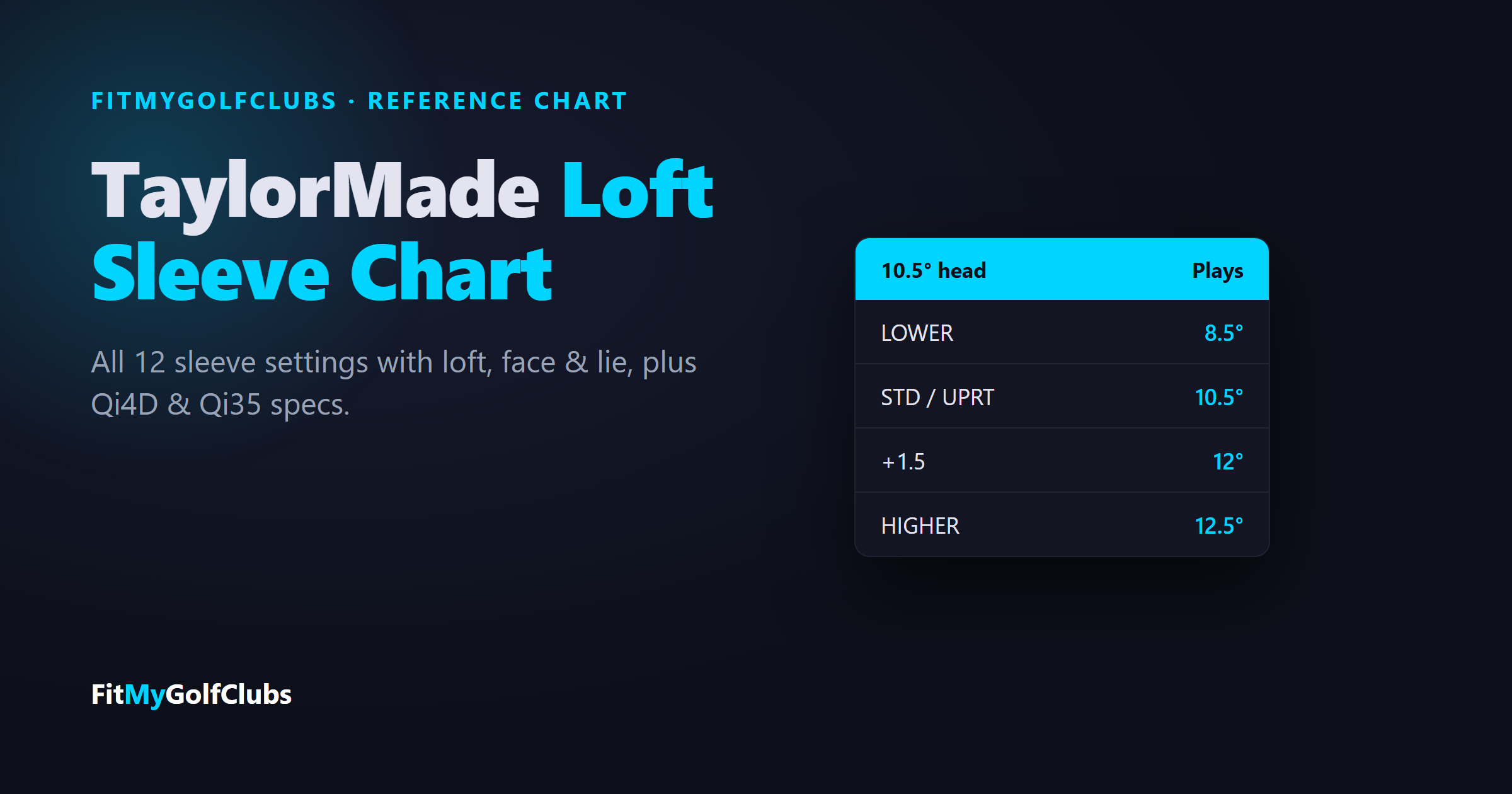
TaylorMade Loft Sleeve Chart: Every Driver Setting, Qi4D & Qi35
TaylorMade loft sleeve chart: all 12 driver settings (STD, HIGHER, LOWER, UPRT) with loft, face and lie, plus Qi4D and Qi35 specs.
Golf Club Fitting
September 29, 2026
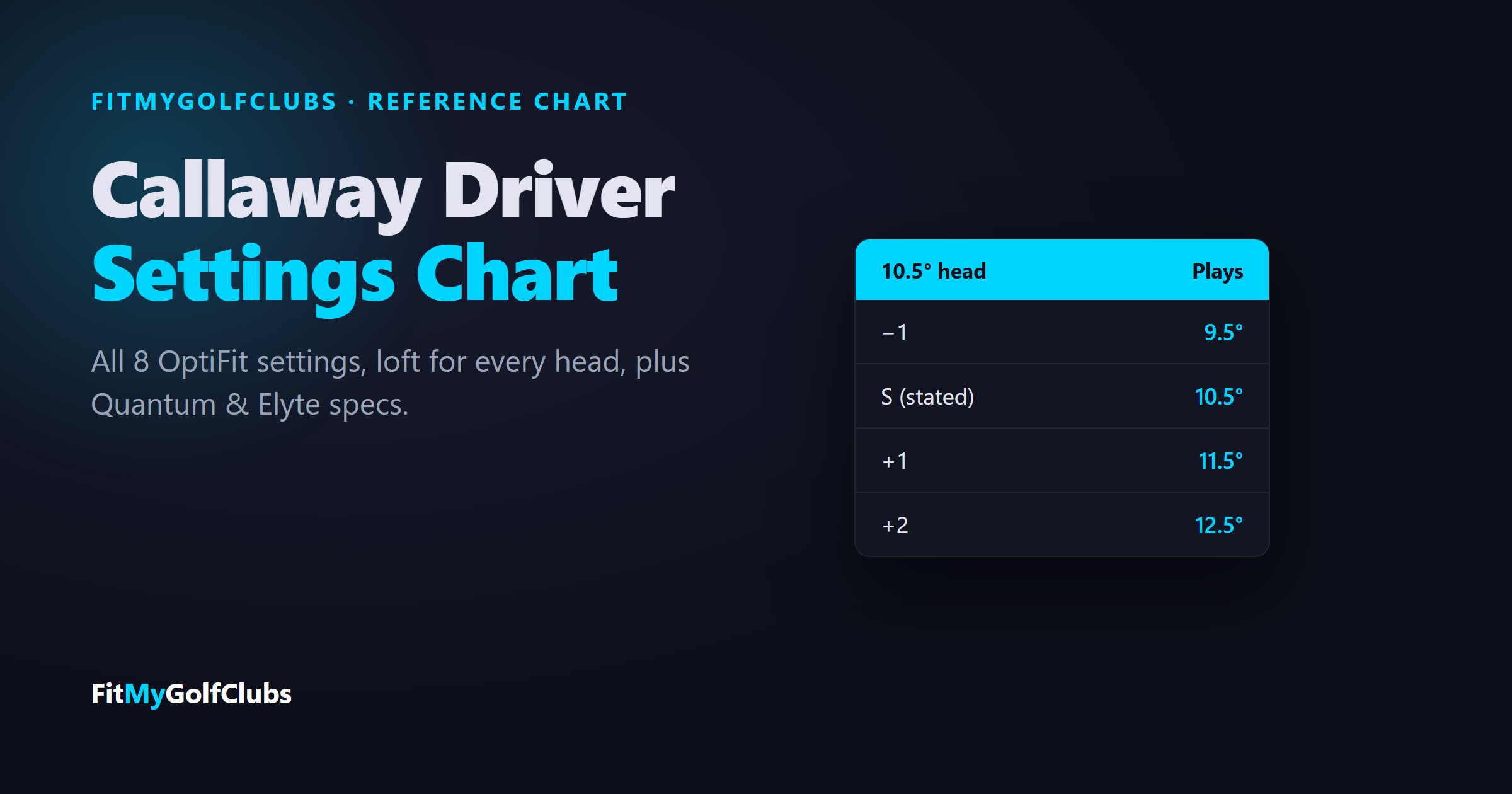
Callaway Driver Settings Chart: OptiFit Hosel, Weights & Specs
Callaway driver settings chart: all 8 OptiFit settings (−1, S, +1, +2 with N or D), loft for every head, plus Quantum and Elyte specs.
Golf Club Fitting
September 29, 2026
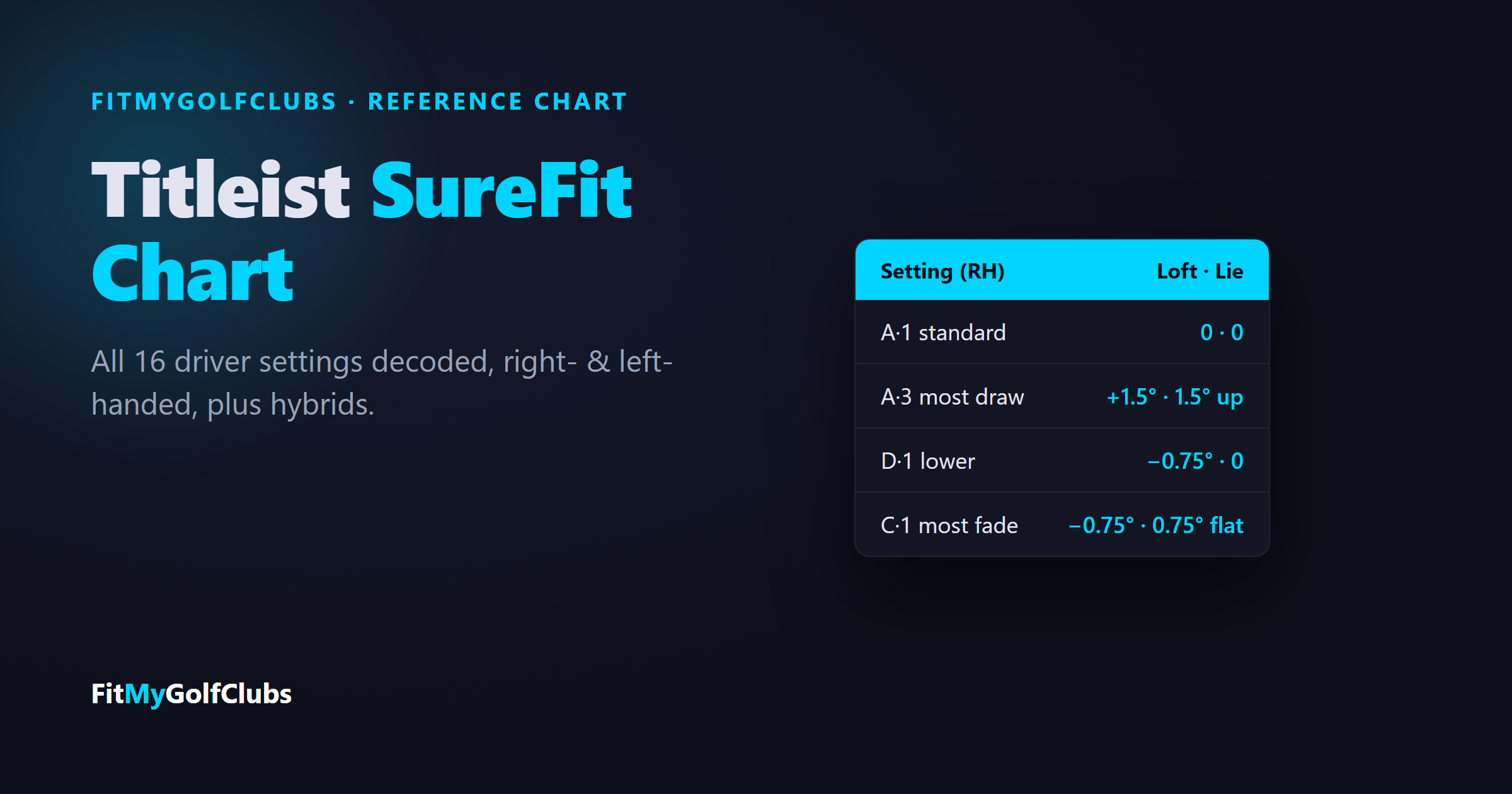
Titleist SureFit Chart: Driver Settings for Every GTS & GT Club
Titleist SureFit chart: all 16 driver settings decoded (A1 is standard), right- and left-handed, plus hybrid settings, weights and GTS specs.


© 2026 FitMyGolfClubs. All rights reserved. | Patent Pending
Contact: sean@fitmygolfclubs.com